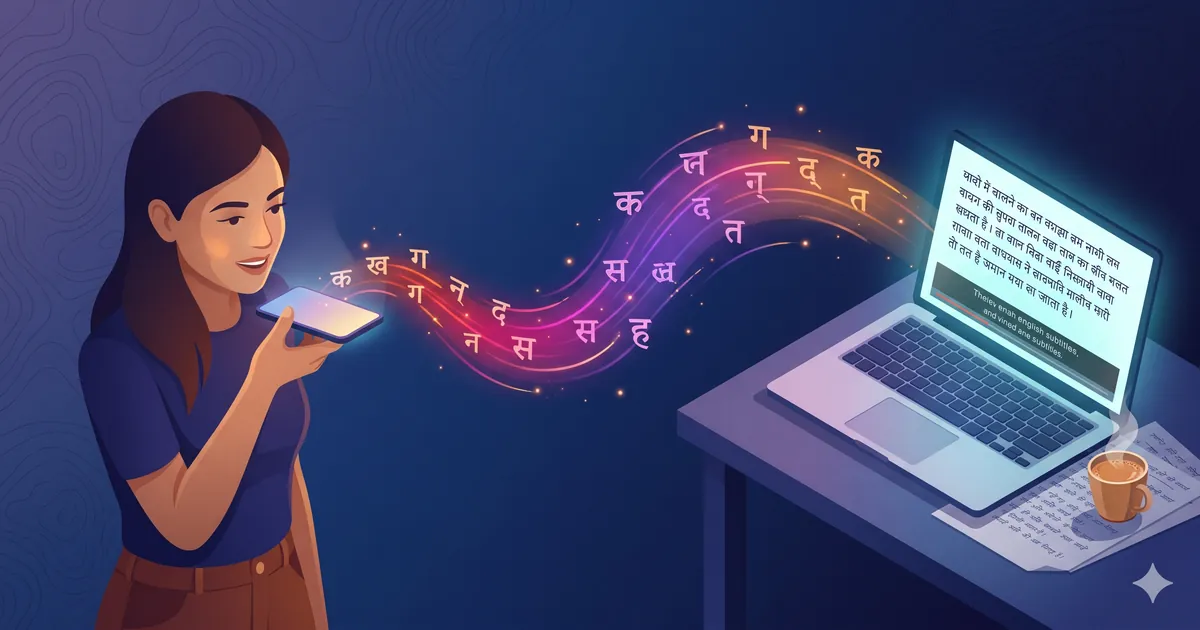
Speech to text in Hindi means converting a recording of someone speaking Hindi into readable Hindi text, or into timed English subtitles. The catch most first-time users miss: you record first, then upload. There is no live "press and speak" button on this page. The file-based route gives a noticeably cleaner Hindi result than any live tool. Always review proper nouns and numbers before publishing, since automated speech to text in Hindi gets those wrong more often than it gets anything else wrong. If you have a recording ready, jump straight to the upload area and skip the rest of this guide. If you want English output from Hindi audio instead, see Hindi to English translation by voice. If your source is a video, see translate video in Hindi.
Last verified: 2026-05-24
First Thing: Record Before You Upload
Live speech to text in Hindi sounds attractive in a product description. In practice it falls apart fast: phone mic noise, dropped network packets, speakers turning away mid-sentence. A recorded file can be listened to as many times as the model needs, which is what separates a publishable transcript from one you rewrite. The workflow:
- Record Hindi audio on your phone or laptop. Any free app works.
- Drop the file into the uploader at the top of this page.
- Wait. Under a minute for short clips, a few minutes for longer ones.
- Get back Hindi text in Devanagari, or timestamped English subtitles, whichever you asked for.
That four-step loop is the entire speech to text in Hindi workflow on this page. The recording app is the only part you might not have set up already.
Free + Live Alternatives (Honest Mention)
Not every speech to text in Hindi job needs a paid tool. If you genuinely need live Hindi dictation right now and don't want to record-then-upload, two free browser tools handle short Hindi reasonably well: Google Docs Voice Typing (Tools → Voice typing → Hindi) and Speechnotes (browser, no signup). Both are fine for under-five-minute dictation. Neither is a true speech to text in Hindi replacement for files above ten minutes, where accuracy slides hard and there is no subtitle export or batch path.
How to Record Hindi Audio in 30 Seconds
Whichever device you have, the recording step is short:
- Android: Google Recorder, built into Pixel, free on Play Store. Tap red circle, speak, stop, share to uploader.
- iPhone: Voice Memos, pre-installed. Tap red circle, speak, stop, share.
- Windows: Voice Recorder (or "Sound Recorder") from Start menu.
- Mac: QuickTime Player → File → New Audio Recording. Or Voice Memos.
- Browser only: Vocaroo works anywhere with mic permission.
One thing matters more than the app: hold the recording device eight to ten inches from your mouth. That single change improves speech to text in Hindi accuracy more than any settings tweak you can make later. Don't bury the phone in a bag pocket; don't shout at it from across the room.
How to Upload Your Hindi File
Once you have a recording, jump back to the uploader and:
- Tap or click the "Upload audio or video file" box, or drag your file onto it.
- Pick the Hindi recording from wherever you saved it.
- Confirm Hindi as source language (we pre-fill it from this article), pick TXT or SRT/VTT as output.
First preview is free, no card, no signup. Most first-time speech to text in Hindi users want to verify accuracy before committing to a longer file. The preview shows the first 30 seconds rendered as Hindi text, which is enough to gauge whether the speech to text in Hindi engine handles your speaker and noise profile.
Common First-Timer Mistakes
A few patterns we see repeatedly. Avoiding any one improves your speech to text in Hindi output noticeably.
- Phone in your bag while recording. Mic is muffled. Pull the phone out, hold it close.
- Fan running full speed. Modern fans produce a hum Hindi recognizers mistake for unstressed vowels. Quieter room helps.
- Hour-long single file. Split into 20-minute chunks. If one fails, only that one re-runs, not the entire job.
- Wrong source language picked. Pure English audio with occasional Hindi words, set source to English. Mostly Hindi with English code-switching, set Hindi. The recognizer handles Hinglish, but the dominant language must be picked correctly on the upload screen.
Output Formats
Speech to text in Hindi gives three output choices. You pick the format on the upload page:
- TXT: plain Devanagari Hindi, no timestamps. Best for writing assistants, document creation, copy-paste workflows.
- SRT: Hindi or English with start/end timestamps. Best for video. Drops into YouTube Studio, Premiere Pro, DaVinci Resolve.
- VTT: same as SRT but for HTML5 video on your own site.
Pick the right format the first time and your speech to text in Hindi workflow stops needing post-processing. Most first-time users pick SRT because it doubles as a transcript and a subtitle file, which is usually what speech to text in Hindi was the first step toward anyway.
Use Cases for Speech to Text in Hindi
Speech to text in Hindi shows up in more workflows than people expect:
- Students: lecture recordings in Hindi turned into study notes in Hindi text
- Journalists: Hindi-language interviews transcribed with timestamps for quote verification
- Content creators: Hindi voice notes turned into blog drafts and video scripts
- Doctors and lawyers: Hindi case notes dictated for digitization, keeping a written record
- Subtitle editors: speech to text in Hindi as the first half of a Hindi-to-English captioning workflow
- Researchers: field interviews in Hindi for qualitative coding from text rather than audio
For recurring workflows with sensitive content, contact us before batching. Most teams land on a stable speech to text in Hindi profile within their first three files.
Free vs Paid: What Actually Matters for Hindi
| Feature | Free Hindi tools | Paid Hindi tools |
|---|---|---|
| File length limit | Usually 1-2 minutes | Up to a few hours |
| Accuracy on clean Hindi audio | 65-80% | 90-95% |
| Accuracy on noisy or accented Hindi | 45-60% | 75-85% |
| Devanagari output | Often | Always |
| Timestamped subtitles | Rare | Yes (SRT, VTT) |
| Hinglish code-switching | Patchy | Native |
The biggest difference is accuracy on Indian accents and Hinglish. For one-off personal use, free is fine. For anything someone other than you will read, the correction time on a 70%-accurate free transcript usually exceeds the paid run's cost. For published speech to text in Hindi output, that accuracy gap compounds across every file you ship.
Why IndianSubtitles for Speech to Text in Hindi
Speech to text in Hindi here is built around the recording reality of Indian phones, Indian rooms, and Indian speech patterns, not a generic global model retrofitted for the language. Hindi accents from Delhi, Lucknow, Mumbai, and rural North India are handled equivalently well. Hinglish is the default mode, not an edge case. Devanagari is written directly, no romanized middle step. Pricing is in INR, GST inclusive, no foreign exchange surcharge on payment. First preview is free, no signup required to test on your own file. For most speech to text in Hindi needs, that is the entire decision. For recurring batch plans see pricing, and for deeper workflow walkthroughs see the blog.
FAQs
I don't see a record button. How do I do speech to text in Hindi without one? Record Hindi audio first on phone or laptop using any free recorder, then drop the file in the uploader on this page. The Hindi text comes back as plain TXT or timestamped subtitles, usually in under a minute for short clips. This file-based approach is what keeps speech to text in Hindi consistent across noise and accent profiles.
Can you do real-time Hindi speech to text from my live microphone? Not yet. Live capture is on the roadmap. For now the cleanest path for speech to text in Hindi is a recording uploaded as a file, which gives better Hindi accuracy than any live tool we have tested. For single sentences, your phone's Hindi keyboard voice input is fine.
What file types can I upload for speech to text in Hindi? MP3, WAV, M4A, MP4, and MOV all work. M4A is what iPhone Voice Memos saves, WAV is what most Windows recorders save, MP3 is what Google Recorder exports. Video files have the Hindi audio track extracted automatically before processing.
Will the output be in Hindi or English? Devanagari Hindi by default. Switch to English subtitles on the upload page if you want translation. Hindi to English runs as a second step after speech is converted to Hindi text, so you pick once and get either output.
I recorded near a fan and traffic. Will speech to text in Hindi work? Yes, but accuracy drops. Background noise, especially fans and outdoor traffic, makes the Hindi recognizer guess on unclear words. Re-record in a quieter spot if you can, and always review proper nouns and numbers in the output before publishing.
How long can my recording be? Short clips finish in under a minute. Files up to 60 minutes process within a few minutes. For longer recordings split into 20-minute chunks before upload, which also helps reliability since one corrupted chunk does not fail the whole job. Speech to text in Hindi scales linearly with file length, so a 20-minute file takes roughly twice what a 10-minute file does.
Is the first preview really free with no signup? Yes. Drop a file, see the first 30 seconds rendered as Hindi text, decide if the quality fits your need. Continue with the full file only if the preview looks right. No card, no email capture before you have actually seen output.
How does the engine handle Hinglish in speech to text in Hindi? Hinglish is treated as the default mode, not an edge case. English words inside Hindi sentences stay in English. Hindi phrases get transcribed in Devanagari. The output keeps the speaker's intent intact rather than mechanically forcing every word into one script.
References
- Google Recorder on Play Store: free Android voice recorder
- Vocaroo: browser-based voice recorder, no install required
- Audacity: free desktop audio editor for cleanup before upload